

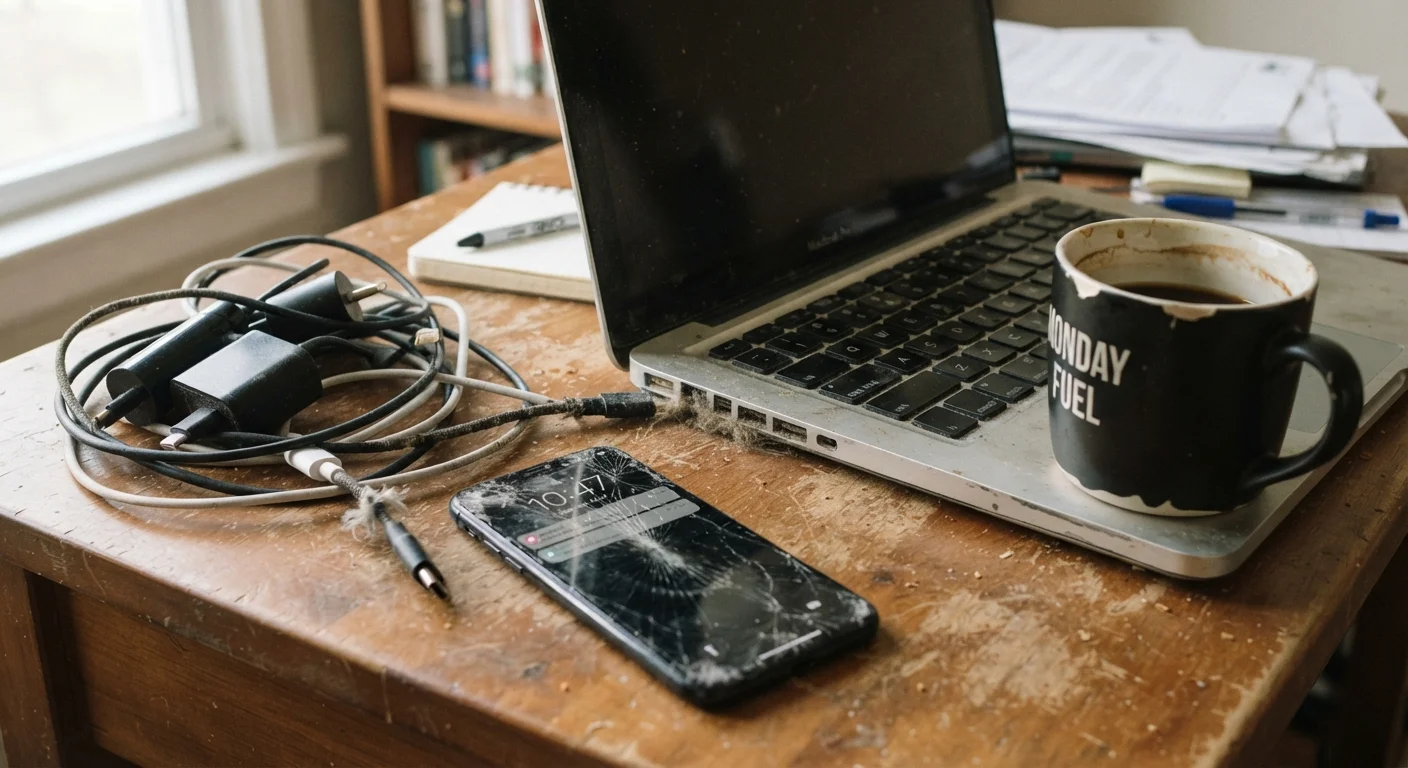
Why Everyday Habits Matter More Than Accidents
Most people assume their gadgets die from a single dramatic event — a drop, a spill, a surge. In reality, devices tend to degrade through patterns repeated hundreds of times: the cable left bent at a sharp angle, the laptop balanced on a pillow, the phone that spends every night plugged in past 100%. These small habits accumulate silently, compounding into reduced performance and shorter lifespans well before a device should reasonably fail.
Understanding the mechanics behind common mistakes makes it far easier to correct them — not through obsessive maintenance, but through a handful of better defaults. The mistakes below are among the most widespread, and each one is straightforward to address once you know what's actually happening inside the device.
The same principle applies to other tools you rely on daily. Just as overlooked home maintenance tasks quietly become expensive problems, ignored tech habits compound into early replacements.
Leaving devices plugged in and fully charged for extended periods.
Why it happens: Charging overnight is convenient, and most people assume modern devices cut off power automatically at 100%. While chargers do stop active charging at full capacity, maintaining a battery at 100% state of charge under sustained conditions creates electrochemical stress that gradually reduces capacity.
Using a laptop on soft surfaces that block its ventilation.
Why it happens: Laptops are portable, and sofas, beds, and laps are comfortable work surfaces. Most people don't realise that the primary air intake on many laptops sits on the underside, meaning fabric surfaces can block airflow almost entirely within minutes.
Ignoring or indefinitely postponing software and firmware updates.
Why it happens: Updates arrive at inconvenient times, sometimes change familiar interface elements, and can take time to install. Many users dismiss update prompts habitually without considering what the update actually addresses.
Using cheap, uncertified, or visibly damaged charging cables.
Why it happens: Replacement cables are inexpensive and look identical to certified ones. Damage accumulates gradually at the bend points near connectors, and many people continue using cables that are frayed or intermittently unreliable.
Never cleaning dust from device vents or ports.
Why it happens: Dust accumulation is gradual and invisible from the outside. Because the effects — higher operating temperatures, slower performance — are also gradual, most people don't connect the cause and effect until a device begins to noticeably struggle.
Storing or charging devices in locations with extreme temperatures.
Why it happens: Cars, windowsills, and outdoor bags are convenient but expose devices to temperature extremes. Heat and cold both affect lithium-ion batteries — heat accelerates chemical degradation while cold temporarily reduces capacity and can cause voltage spikes on reconnection.
Heat, Dust, and the Invisible Damage They Cause
Two of the most destructive forces in consumer electronics — heat and particulate buildup — are also the least visible until damage is done. Every processor and battery in every device has an optimal operating temperature range. When devices regularly exceed it, chemical reactions inside batteries accelerate irreversibly, solder joints weaken, and thermal throttling (where a processor slows itself down to prevent damage) becomes the new normal.
20°C
Ideal long-term battery storage temperature
Battery University and similar technical sources note that lithium-ion cells degrade significantly faster when stored or operated at temperatures well above this threshold.
~500 cycles
Typical lithium-ion full-charge cycle rating
Most consumer lithium-ion batteries are rated for roughly 300–500 full charge cycles to around 80% of original capacity, making charge habits particularly consequential over a device's lifespan.
Dust is the silent accomplice. Fine particles accumulate inside vents and fans over months, reducing airflow efficiency and forcing internal components to run hotter than designed. On laptops especially, a layer of dust on the heatsink can raise operating temperatures by a meaningful margin. What's actually happening inside a slowing laptop often traces directly back to thermal issues that were preventable.
Don't Use Compressed Air Inside Open Devices
Compressed air is effective for clearing external vents and ports, but should not be directed into open device internals unless you have specific technical knowledge. High-pressure air can dislodge components, push debris deeper, or damage delicate ribbon cables. If a device requires internal cleaning beyond surface vents, consult a qualified repair technician.
Periodic cleaning — using a can of compressed air directed at vents — and keeping devices on hard, flat surfaces during use are the most practical defences. Avoid using laptops directly on beds, sofas, or any surface that blocks intake vents on the underside of the chassis.
Software, Cables, and the Habits Worth Reconsidering
Beyond heat and dust, a second category of device-shortening habits involves the choices made around charging and software maintenance. Skipping software updates is common — updates interrupt workflow and the interface changes can feel unnecessary. But firmware and OS updates frequently include fixes for power management, thermal control, and storage efficiency. A device running outdated software may be working harder than it needs to on every task.
Uncertified Cables Carry Real Risk
Not all charging cables are equivalent, even when they physically fit your device's port. Cables lacking proper certification for their rated wattage can deliver inconsistent power, stressing charging circuits over time. In documented cases, severely substandard cables have contributed to overheating at the connector. Use cables from reputable sources and replace any cable that runs warm to the touch during normal charging.
Cable quality deserves more attention than most people give it. Uncertified or heavily damaged cables can deliver inconsistent voltage, which stresses charging circuits over time. For USB-C in particular, cables that lack proper e-marker chips — a small embedded controller that communicates safe power levels — can cause compatibility problems and, in edge cases, component damage. Common smartphone battery myths are also worth revisiting; some widely held charging habits no longer reflect how modern lithium-ion cells actually work.
Finally, display care is easy to neglect. Abrasive materials, window cleaners, and compressed spray at the wrong angle can strip oleophobic coatings (the thin layer that makes screens feel smooth and resist fingerprints). See our guide to safe touchscreen cleaning for practical, damage-free methods. For your broader device security posture, keeping your devices secure without being a tech expert covers the basics in plain language.
The content on this site is for informational purposes only and is not a substitute for professional advice. Always consult a qualified professional for guidance specific to your situation.