

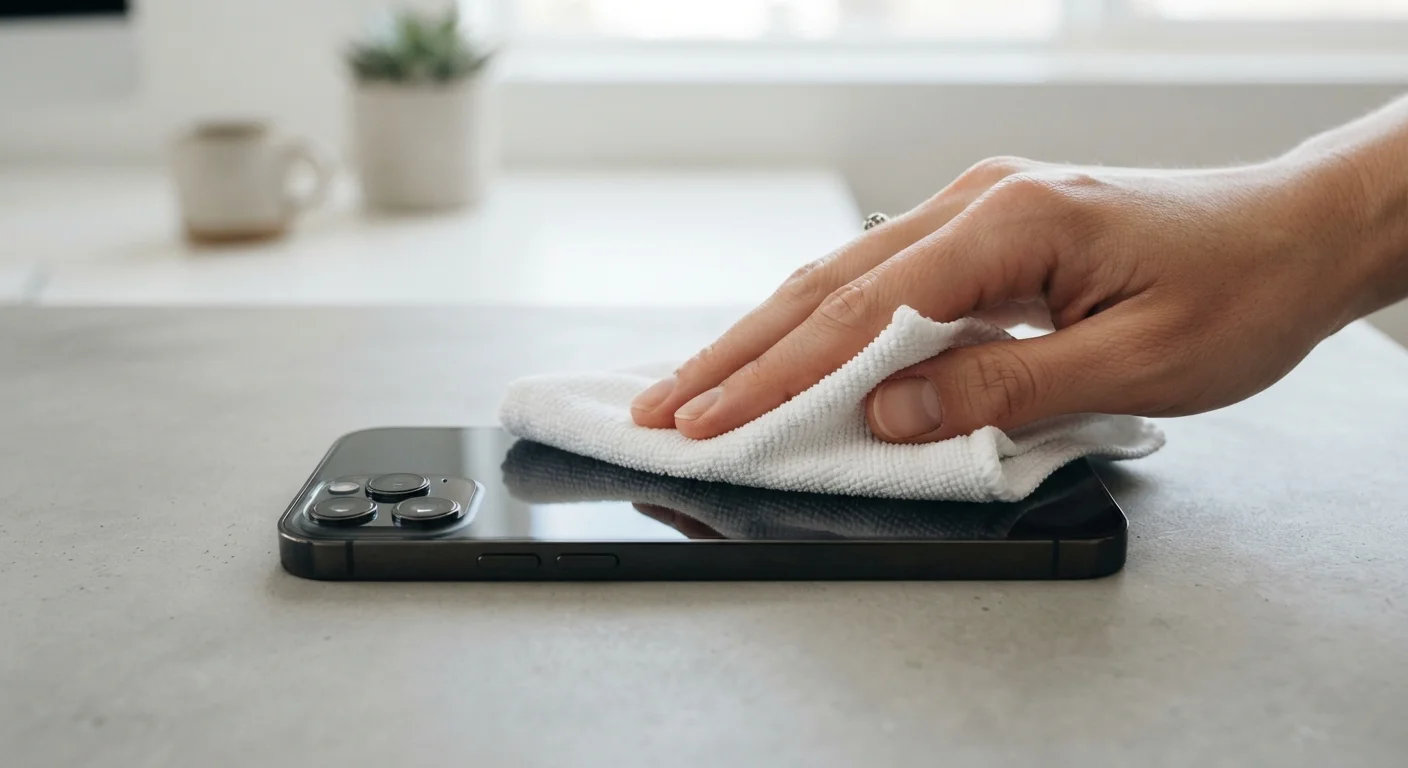
Why Touchscreen Cleaning Requires More Care Than You Might Expect
A modern touchscreen isn't simply glass — it's a layered assembly that includes a capacitive sensor, a thin protective glass or plastic surface, and critically, an oleophobic coating. This nearly invisible layer is engineered to repel the natural oils from your skin, which is why a new phone wipes clean so easily. That coating is also surprisingly fragile.
Abrasive materials, harsh chemicals, and even excess friction gradually wear it away. Once gone, it cannot be meaningfully restored without professional reapplication. The result is a screen that smudges faster, feels tacky, and is harder to read in bright conditions.
Common household materials that many people reach for instinctively — paper towels, tissues, the corner of a shirt — all carry risk. Paper fibres are abrasive under magnification. Fabric with a woven texture can drag micro-grit across the surface. The habits that quietly degrade other parts of your devices apply equally here; for a broader look at that pattern, see the habits that quietly shorten gadget lifespans.
Microfibre cloth
The primary cleaning surface — lifts oils and dust without scratching the display.
Distilled water
Used sparingly to dampen the cloth for stubborn smudges; tap water can leave mineral deposits.
70% isopropyl alcohol wipes (screen-safe formulation)
For periodic disinfection on devices whose manufacturer explicitly permits it.
Soft silicone blower bulb
Removes loose dust and particles from edges and speaker grilles without abrasion.
What to Avoid and What the Manufacturer Actually Recommends
Before reaching for any cleaning product, the most reliable source of guidance is the device manufacturer's official support documentation. Major manufacturers vary meaningfully in what they permit — some approve 70% isopropyl alcohol on specific models, while others advise distilled water only. Treating all devices as identical is a common mistake.
Avoid Ammonia and Bleach-Based Cleaners
Products containing ammonia, bleach, or hydrogen peroxide can permanently degrade the oleophobic (fingerprint-resistant) coating on most modern touchscreens. Once this coating is stripped, the screen becomes significantly harder to clean and more prone to smudging. Check ingredient labels carefully before applying any commercial cleaner to a display.
Materials to keep away from any touchscreen include: paper towels, facial tissues, rough cloths, abrasive sponges, window-cleaning sprays, kitchen surface sprays, bleach solutions, and acetone. These can cause damage ranging from hairline scratches to permanent coating loss or, in the case of liquid sprays applied directly, potential moisture ingress.
If your device will be changing hands soon — whether you're preparing it for sale, donation, or recycling — a thorough clean is a natural part of that process. See our guide to preparing a device before it leaves your hands for the full checklist.
Never Clean a Plugged-In or Hot Device
Always disconnect your device from power before cleaning, and allow it to cool to room temperature if it has been in use. Cleaning a powered or warm device increases the risk of moisture reaching internal components through ports or speaker grilles.
Routine Habits That Keep Screens Cleaner for Longer
Cleaning frequency drops significantly when you build a few simple habits. Washing your hands before extended use is the most effective single step — the oils and residues that accumulate fastest are the ones transferred from skin. Cases with raised bezels keep the display slightly elevated from surfaces when placed face-down, reducing contact smudging.
Store Your Microfibre Cloth Properly
Keep your cleaning cloth in a small zip-lock bag or its own pouch when not in use. Loose cloths pick up grit and dust from pockets or bags, and a contaminated cloth can scratch the very surface you're trying to protect.
Screen protectors, when chosen carefully, can absorb micro-abrasion and are far cheaper to replace than a display assembly. Tempered glass protectors are generally more durable and easier to clean than plastic film alternatives.
Keeping your device in good physical condition connects directly to its longevity in other ways too. For a structured look at reviewing what's running on your phone and reducing unnecessary background load, see our guide to auditing your phone's apps.
The content on this site is for informational purposes only and is not a substitute for professional advice. Always consult a qualified professional for guidance specific to your situation.