

Our Verdict
Neither local nor cloud storage is universally superior — the right choice depends on how you work, what you store, and how much you value accessibility versus control. For most everyday users, a deliberate combination of both approaches offers the strongest balance of convenience, resilience, and privacy.
| Best for | Recommended |
|---|---|
| Those who prioritize speed, privacy, and offline access | Local Storage |
| Those who need files available across multiple devices and locations | Cloud Storage |
| Anyone wanting resilient, redundant file protection | Hybrid (Local + Cloud) |
| Creative professionals working with very large files regularly | Local Storage with periodic cloud backup |
What 'Local' and 'Cloud' Actually Mean
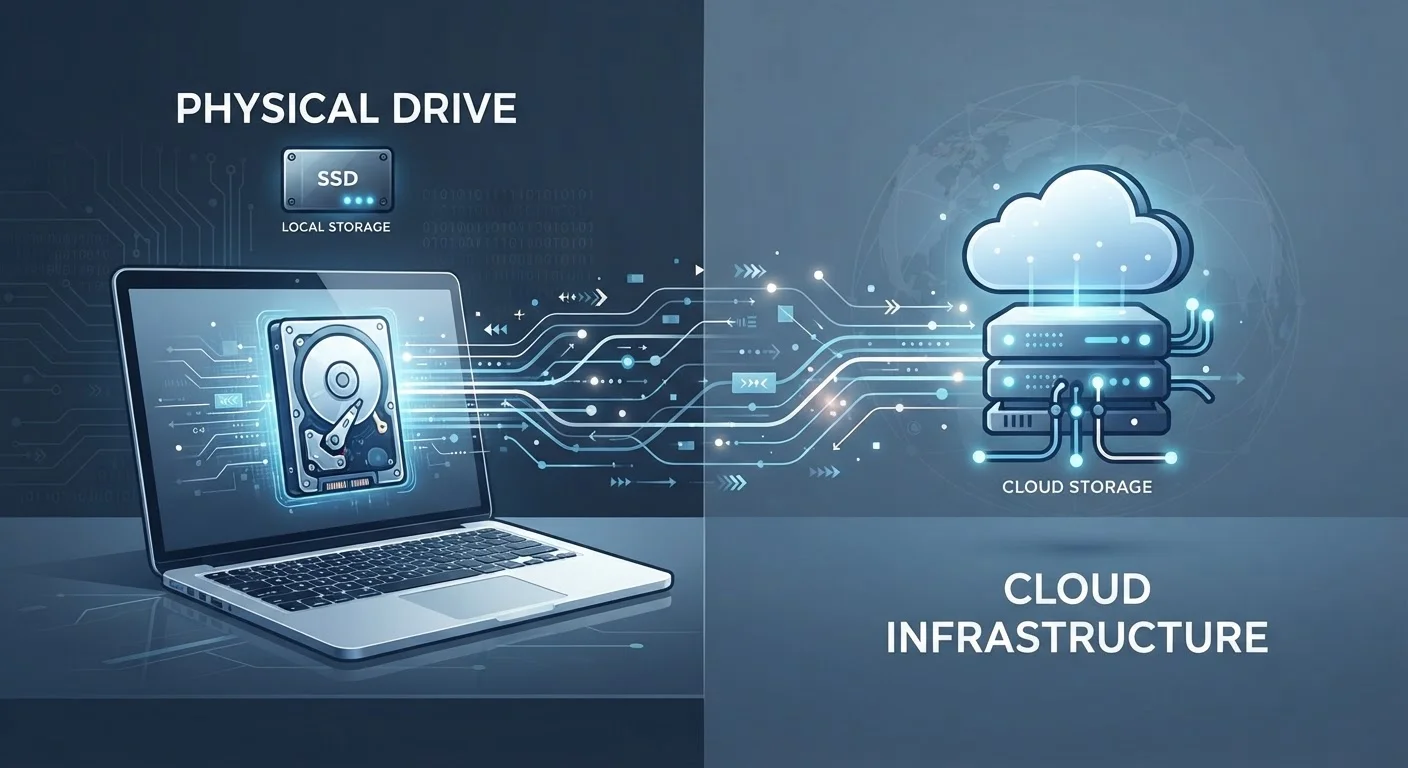
When a file is stored locally, it lives on a physical device you own or control — the internal drive of your laptop, a USB flash drive, or an external hard drive sitting on your desk. Reading and writing that file requires no internet connection; the data never leaves your physical possession unless you choose to move it.
Cloud storage works differently. Your files are uploaded over the internet to servers operated by a third-party provider. When you open or edit a file, your device fetches it from those remote servers. The word 'cloud' is a popular abstraction for what is, in practice, a large data center owned by a company — not an ethereal backup in the sky.
Understanding this distinction matters because it shapes every practical trade-off that follows: speed, privacy, cost, reliability, and access. For a deeper look at how files move between devices in real time, see how syncing and cloud storage actually work.
Speed, Access, and Everyday Performance
Local storage consistently wins on raw speed. Reading a file from a modern solid-state drive (SSD) happens in milliseconds, entirely independent of your internet connection. This matters most for large files — video projects, high-resolution photo libraries, audio recordings — where cloud latency would create noticeable delays or require lengthy uploads and downloads.
Cloud storage's performance advantage lies elsewhere: geographic flexibility. A document saved to a cloud service is retrievable from any device with an internet connection and your credentials. This makes cloud storage particularly practical for people who regularly move between a work computer, a personal laptop, and a phone.
Match Storage Type to File Type
Consider categorizing your files by how often you access them and how sensitive they are. Active working files benefit most from fast local access. Archival or shared files are well-suited to cloud storage. Applying this simple filter can reduce costs and improve both speed and privacy in one step.
The speed gap narrows significantly for smaller files like documents and spreadsheets, where cloud services can feel nearly instantaneous on a fast connection. The gap widens considerably for files exceeding several gigabytes.
Privacy, Security, and Who Controls Your Data
Files stored only on a local device are not processed, indexed, or analyzed by any external party by default. That control is a meaningful privacy advantage — particularly for sensitive materials like financial records, medical documents, or confidential work files.
Cloud storage introduces a layer of third-party involvement. Providers encrypt data in transit and at rest, but they also retain certain rights to process content for service delivery and, in some cases, targeted features. Terms of service vary significantly between providers. It's worth reading them, or at least reviewing reputable summaries, before storing sensitive material.
Security cuts both ways. A local drive lost in a fire, flood, or theft is gone permanently. Cloud storage typically includes redundant backups across multiple data centers, making complete data loss far less likely — though account compromise is a real risk if credentials are weak. For strategies on keeping accounts secure, understanding credential strategies is a useful starting point. For a broader look at your digital footprint, reducing your online data trail covers how stored data connects to wider tracking.
| Local Storage | Cloud Storage | |
|---|---|---|
| Access speed | Very fast, no internet needed | Dependent on connection speed |
| Availability across devices | Limited to connected devices | Any device, anywhere with internet |
| Privacy | Files stay on your hardware | Third-party servers involved |
| Cost model | One-time hardware purchase | Ongoing subscription fees |
| Risk of total data loss | Higher (hardware failure, theft) | Lower (redundant data centers) |
| Large file handling | Excellent for very large files | Upload/download time a bottleneck |
| Offline access | Full offline capability | Limited or no offline access |
Cost: One-Time vs. Ongoing
Local storage has a higher upfront cost — a quality external SSD or a home NAS (network-attached storage) device requires a meaningful purchase — but no recurring fees. Once you own the hardware, storage costs nothing beyond eventual replacement.
Cloud storage typically operates on a subscription model. Plans at meaningful capacities (1 TB or more) commonly run anywhere from a few dollars to over ten dollars per month, depending on the provider and included features. Over several years, those payments can exceed the cost of equivalent local hardware.
The calculation shifts when you factor in the cost of data recovery from a failed drive, or the administrative effort of managing physical backups. Neither option is purely cheaper in every scenario — the honest answer depends on your usage volume, how long you retain data, and how much you value convenience.
Building a Practical Hybrid Approach
For most people, the most resilient file strategy is not a choice between local and cloud — it's a deliberate combination of both. A widely cited framework in data management is the 3-2-1 rule: keep three copies of important data, on two different types of media, with one copy stored off-site (which cloud storage satisfies naturally).
In everyday practice, this might look like: working files stored locally on your primary device for speed, synced to a cloud service for mobility and redundancy, with periodic backups to an external drive stored separately. That approach protects against hardware failure, accidental deletion, account compromise, and physical loss simultaneously.
Managing files across multiple devices adds its own layer of complexity. The guide to managing your digital life across devices covers organizational strategies that apply whether your files are local, cloud-based, or both. As storage technology continues to evolve, concepts like edge computing are also beginning to reshape where processing and storage happen — worth understanding for anyone thinking long-term about their digital infrastructure.
The content on this site is for informational purposes only and is not a substitute for professional advice. Always consult a qualified professional for guidance specific to your situation.