

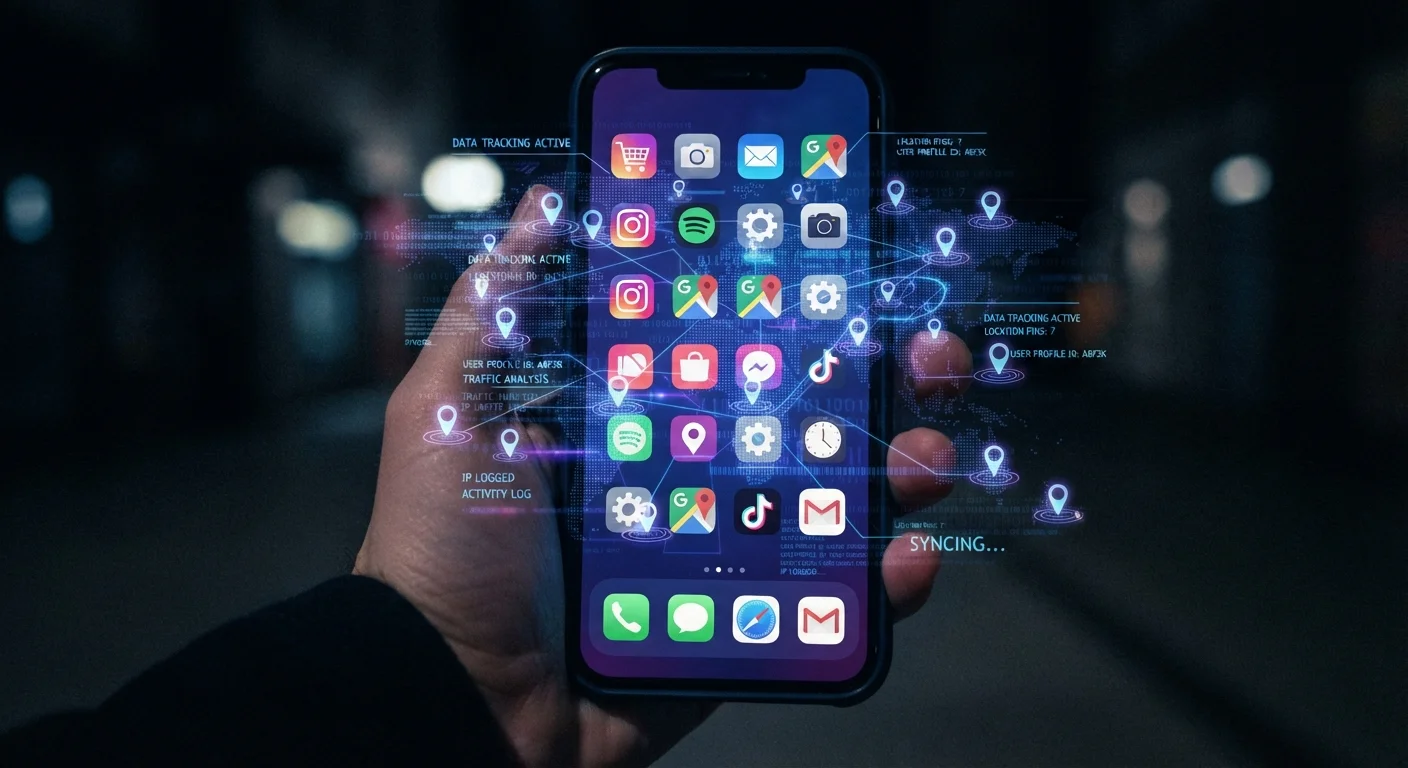
The Permission System: Your First Line of Visibility
When you install a new app and tap through its setup screens, you're making a series of privacy decisions — often without realizing it. The permission prompts asking for access to your location, camera, microphone, or contacts are the mechanism through which apps gain access to the most sensitive data on your device.
What's less obvious is that many apps request permissions well beyond what their stated function requires. A flashlight app has no legitimate need for your contacts. A recipe app rarely needs access to your precise GPS coordinates. When an app asks for a permission, consider whether it's genuinely necessary for the service you're getting in return.
Both iOS and Android have made meaningful improvements to permission transparency in recent years, including the ability to grant location access only while an app is actively open, or to share an approximate location rather than a precise one. Reviewing your current permissions is a quick win — see our guide on managing app permissions and phone settings for a walkthrough.
Check Permissions Before You Install
Before downloading a new app, review the permissions it will request — both app stores display this information on the app's detail page. If an app's requested permissions seem disproportionate to its function, that's a signal worth heeding before your data is on the line.
What Types of Data Apps Actually Collect
Data collection falls into a few broad categories, each with different implications for your privacy:
- Location data: Apps with location access can log where you are, when, and how often. Over time, this reveals where you live, work, worship, and seek medical care — a remarkably personal picture.
- Behavioral data: Every tap, scroll, search, and pause inside an app is potentially logged. This tells companies what content interests you, how long you engage, and what you ignore.
- Device identifiers: Apps can access identifiers tied to your phone, such as the advertising ID, which allows your activity to be tracked across multiple apps and services even without knowing your name.
- Contacts and social graph: When granted contact access, apps upload names and numbers from your phone, mapping your real-world relationships.
- Sensor data: Microphone, camera, and accelerometer access can reveal ambient sounds, physical activity, and more depending on how the app uses them.
87%
Of apps share data with third parties
Research published in the journal PLOS ONE analyzing top Android apps found the vast majority transmitted data to external services, most commonly Google and Facebook infrastructure.
72
Average number of third-party trackers per app
Analysis by the University of Oxford's Internet Institute found the median mobile app communicates with dozens of external domains, many belonging to advertising and analytics companies.
1 in 3
Apps request unnecessary permissions
Studies of major app stores consistently find a significant share of apps requesting access to device features with no clear connection to their stated function.
Much of this collection is disclosed — somewhere — in an app's privacy policy, though those documents are notoriously long and difficult to parse. For a broader view of how this data eventually travels beyond the app itself, see our complete guide to understanding your online data trail.
Why Apps Collect So Much Data
The most straightforward answer is economics. Most consumer apps are free at the point of download, and data is the mechanism that makes the underlying business viable. Advertising networks pay for access to detailed audience profiles; the more precisely an app can describe its users, the more it can charge advertisers to reach them.
Beyond advertising, data collection supports product development, fraud detection, and performance analytics. Companies track how users navigate their apps to identify friction points and improve design. In these cases, aggregated and anonymized behavioral data serves a legitimate engineering purpose.
“The data collected about you is not just a record of what you did — it's a prediction engine for what you'll do next. That's the real value proposition for advertisers, and the real privacy concern for everyone else.”
— Shoshana Zuboff, Professor Emerita, Harvard Business School, and author on surveillance capitalism
The complication is that the infrastructure for "improving the product" and the infrastructure for monetizing user data are often the same systems, served by the same third-party SDKs. When a developer embeds an analytics SDK, they frequently share user data with that vendor's wider network as part of the deal — whether or not that was the original intent. This is part of how data eventually reaches brokers, as described in our piece on the data broker industry.
Practical Steps to Reduce Your Exposure
Understanding what apps collect is the foundation for making more intentional choices. A few concrete habits make a meaningful difference:
- Audit permissions regularly: Set a reminder every few months to open your phone's privacy settings and review which apps have access to location, microphone, camera, and contacts. Revoke anything that seems unnecessary.
- Choose precise versus approximate location: For apps that genuinely need location — mapping, weather — prefer "approximate" location over "precise" where the option exists.
- Reset your advertising ID: Both iOS and Android allow you to reset or limit the advertising identifier linked to your device, disrupting cross-app tracking profiles.
- Read the privacy nutrition label: Apple's App Store displays a summary of data practices on each app's page. Google Play has introduced similar disclosures. These summaries aren't exhaustive, but they surface key collection categories quickly.
- Delete unused apps: An app you no longer use may still be collecting background data. Deleting it eliminates that exposure entirely.
Data Minimization Has Limits
Adjusting permissions reduces data collection but doesn't eliminate it entirely. Apps can still collect behavioral data — taps, session length, in-app navigation — without any device permissions at all, simply by logging server-side interactions. Awareness of this helps set realistic expectations about what permission changes can and cannot accomplish.
Taking these steps won't make you invisible online, but it meaningfully reduces the data surface available to advertising ecosystems and, by extension, to the data brokers they feed. Your relationship with your device's settings is one of the most direct levers you have over your own digital footprint.
Frequently Asked Questions
Yes, many apps can collect data in the background, particularly location-enabled or notification-dependent apps. On both iOS and Android, you can restrict background activity through your device's permission and battery settings. Reviewing which apps have 'always on' location access is a practical first step.
Contact access lets an app read the names, phone numbers, and email addresses stored on your phone. Apps often request this to enable social features, but that contact data may also be uploaded to company servers. Granting this permission shares information about people who never agreed to it.
Not necessarily. Payment removes the direct ad-revenue motive, but many paid apps still embed third-party analytics SDKs that collect usage data. Always review the app's privacy policy and permissions regardless of whether you paid for it.
On iPhone, go to Settings > Privacy & Security to see a category-by-category breakdown of which apps have access to location, camera, contacts, and more. On Android, go to Settings > Privacy > Permission Manager. Both platforms let you revoke permissions individually.
Once data leaves an app, it typically enters advertising networks, analytics platforms, or data broker pipelines. From there, it can be combined with data from other sources to build detailed personal profiles. Our article on <a href="/tech-gadgets/digital-life/the-hidden-cost-of-convenience-understanding-data-brokers">data brokers</a> explains this process in depth.
The content on this site is for informational purposes only and is not a substitute for professional advice. Always consult a qualified professional for guidance specific to your situation.