

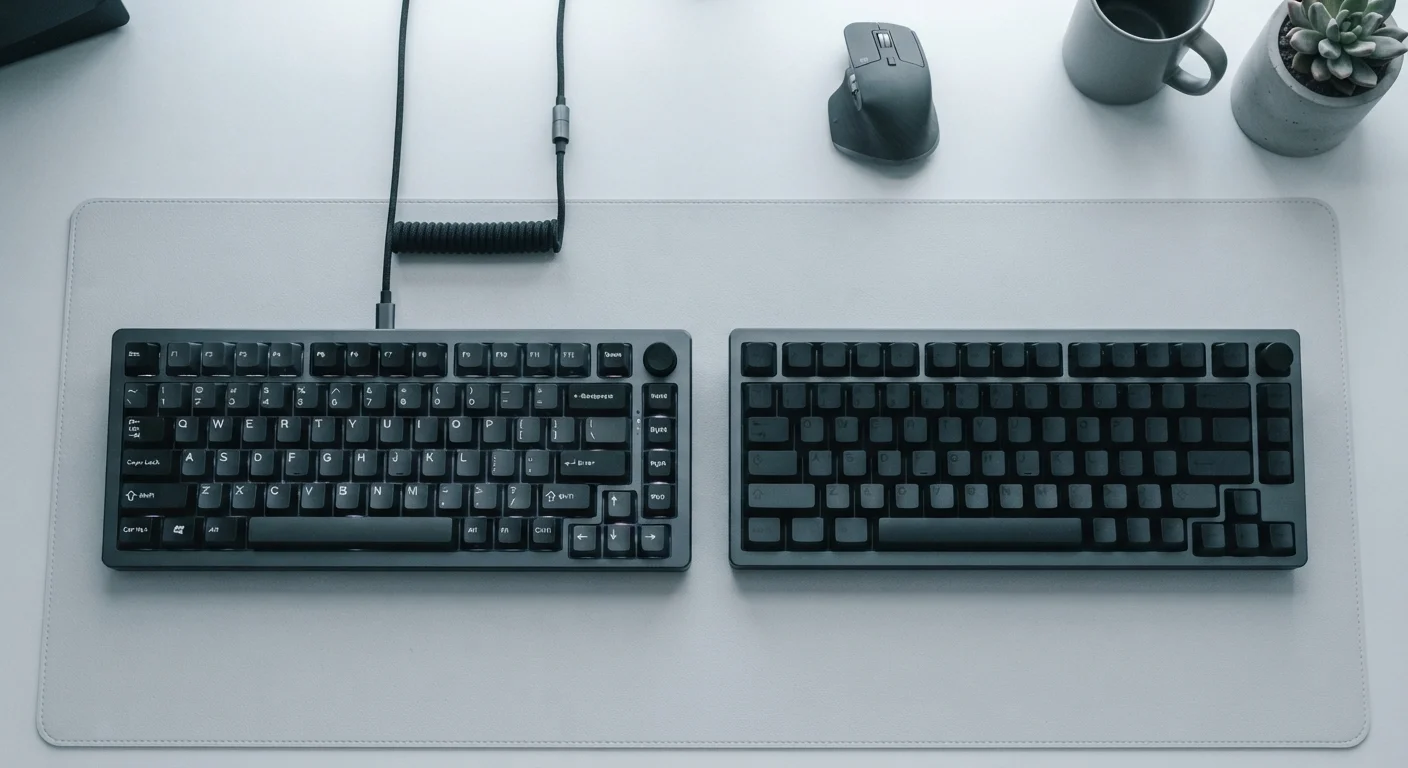
Option A
Wired Keyboard
The reliable, zero-compromise workhorse.
Best for: Users who prioritize consistent latency, never want to manage battery life, and work at a fixed desk setup.
Option B
Wireless Keyboard
The flexible, desk-decluttering alternative.
Best for: Users who value a clean workspace, need to switch between multiple devices, or frequently work away from a fixed surface.
Latency: How Real Is the Difference?
Input latency — the delay between a keypress and the signal reaching your computer — is the most-cited reason to choose wired over wireless. Physically, wired keyboards communicate over USB at polling rates typically between 125 Hz and 1000 Hz, translating to maximum input delays of roughly 1 to 8 milliseconds at the hardware level.
Wireless keyboards using dedicated 2.4 GHz dongles have closed this gap considerably. Many operate at polling rates that produce latency in the 1–3 ms range under ideal conditions — imperceptible to most users in everyday typing and office tasks. Bluetooth keyboards tend to run slightly higher, often in the 7–15 ms range, which remains unnoticeable for standard productivity work but can matter in fast-paced gaming.
The practical takeaway: for the vast majority of users — writers, coders, professionals — modern wireless latency is a non-issue. The difference becomes meaningful mainly in contexts where split-second input matters, such as competitive gaming.
| Criterion | Wired Keyboard | Wireless Keyboard |
|---|---|---|
| Input latency | 1–8 ms (USB polling rate) | 1–3 ms (2.4 GHz) / 7–15 ms (Bluetooth) |
| Battery management | None — USB powered | Days to months depending on design |
| RF interference risk | None | Low to moderate in dense environments |
| Positional freedom | Limited by cable length | Full freedom of placement |
| Multi-device switching | Not supported natively | Supported via Bluetooth pairing |
| Setup complexity | Plug and play | Pairing required; dongle can be lost |
| Long-term degradation | Minimal | Battery capacity declines over years |
Battery Life, Reliability, and the Hidden Overhead of Going Wireless
Choosing wireless means accepting ongoing power management. Wireless keyboards draw from built-in rechargeable batteries or replaceable cells, with battery life varying enormously by design. Keyboards with backlighting consume battery faster — sometimes only a few days per charge. Models without lighting and with energy-efficient Bluetooth chips can last weeks or even several months.
This overhead is manageable but real: you will eventually face a dead keyboard at an inconvenient moment. Wired keyboards sidestep this entirely — they draw power directly from the USB connection and are always ready.
7–15 ms
Typical Bluetooth keyboard latency range
Measured under standard conditions; well within the threshold most users can perceive during normal typing tasks.
~6 months
Max battery life for efficient wireless keyboards
Energy-efficient Bluetooth keyboards without backlighting can exceed six months on a single charge in light daily use.
2.4 GHz
Frequency band used by most wireless keyboard dongles
This band is shared with Wi-Fi routers and many other consumer devices, which can create interference in crowded environments.
Reliability also extends to signal stability. 2.4 GHz dongles are generally more consistent than Bluetooth in environments dense with wireless devices — routers, headsets, and other peripherals can all create radio frequency (RF) interference that introduces dropped keystrokes or momentary lag. Wired connections are immune to this class of problem entirely.
Ergonomics and Workspace Flexibility
One underappreciated advantage of wireless keyboards is positional freedom. A USB cable — typically 1.5 to 2 meters long — creates a tether that constrains where you can realistically place a keyboard. Ergonomic guidance generally recommends positioning a keyboard so your elbows sit at roughly 90 degrees and your wrists remain neutral; the ideal placement for your body may not align neatly with where a cable allows the keyboard to sit.
Wireless keyboards remove that constraint entirely. You can position the keyboard on a lapdesk, a separate surface, or further from the monitor without cable management complications. This also contributes to a cleaner desk aesthetic, which research in occupational health suggests can reduce cognitive load and minor physical distractions during long work sessions.
Ergonomic Positioning Is Personal
There is no single correct keyboard position that suits every body. Factors like desk height, chair adjustment, monitor distance, and individual arm length all interact. Whether you choose wired or wireless, consider experimenting with keyboard angle and distance from the body. If you experience wrist or shoulder discomfort, consulting an ergonomics specialist or occupational therapist is worthwhile — keyboard type is only one variable among many.
Cable drag — the slight physical resistance a cable exerts on a device — is a documented concern with wired mice, and it applies to keyboards too, particularly when you adjust position frequently. Wireless models eliminate this tactile interruption.
Connectivity, Compatibility, and Long-Term Practicality
Wired keyboards connect over USB-A or USB-C and work with virtually any device that has a corresponding port — no pairing process, no driver setup in most cases, and no compatibility questions with older systems. Plug in and type.
Wireless keyboards introduce more variables. Bluetooth is broadly supported across modern laptops, tablets, and phones, making multi-device pairing genuinely useful if you regularly move between machines. Dongles, however, occupy a USB port and can be lost — a small but real practical risk. Some wireless keyboards support both Bluetooth and a dedicated dongle simultaneously, offering flexibility without forcing a choice.
Over a multi-year lifespan, battery degradation is worth considering: rechargeable cells inside a keyboard will gradually hold less charge, though this typically takes several years of regular use before it becomes noticeable. Wired keyboards have no comparable degradation mechanism tied to their primary function.
The content on this site is for informational purposes only and is not a substitute for professional advice. Always consult a qualified professional for guidance specific to your situation.