

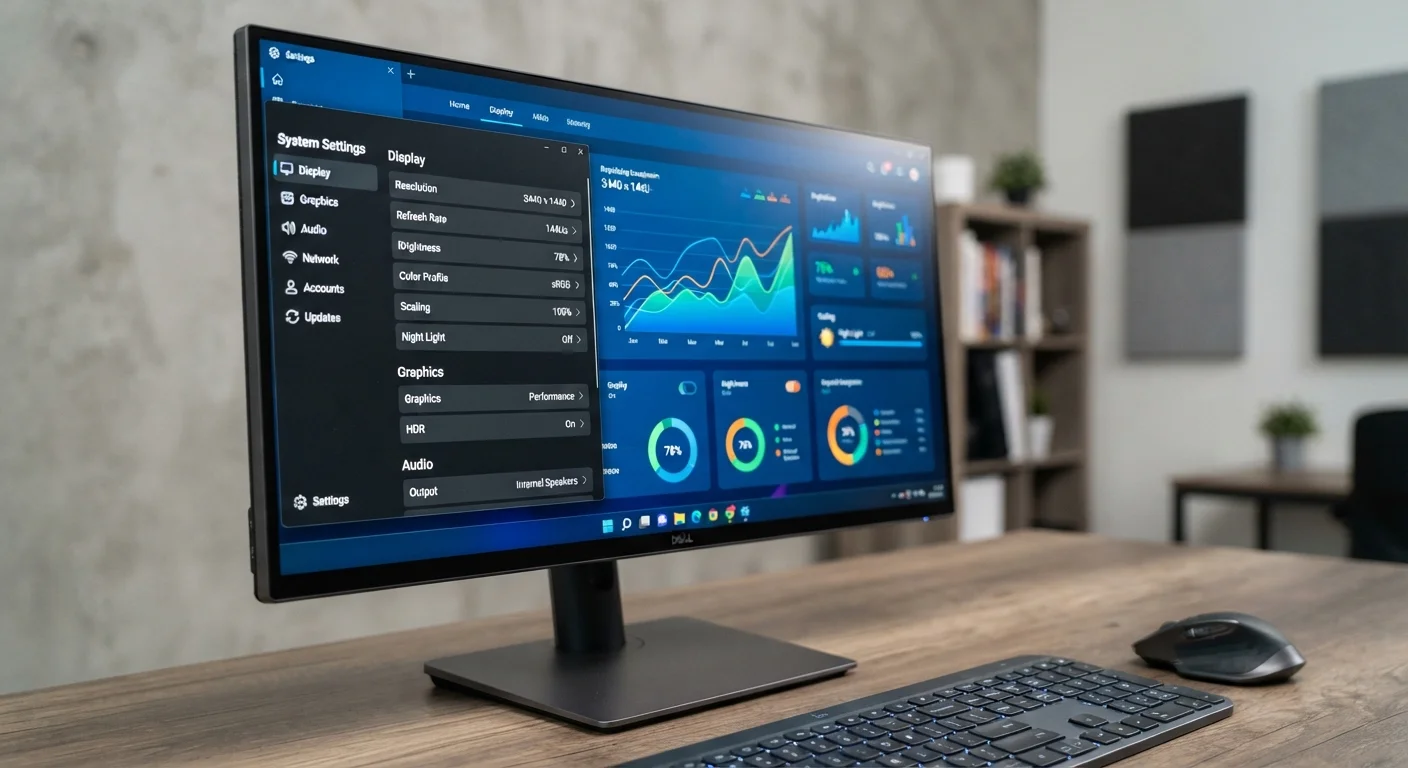
Resolution: How Much Detail Your Monitor Can Show
Resolution describes the grid of pixels your monitor uses to build every image. The two numbers — width × height — tell you exactly how many individual dots of light are on the screen at once.
1080p (Full HD) at 1920×1080 remains the most widely used resolution for work, streaming, and general computing. It's well-supported by most hardware and delivers a sharp image on screens up to about 27 inches. 1440p (QHD) at 2560×1440 offers noticeably more screen real estate and detail, making it a practical step up for productivity and creative work. 4K (UHD) at 3840×2160 provides exceptional sharpness, particularly on 32-inch and larger screens, but demands significantly more processing power to run smoothly.
Resolution Requires Matching Hardware
Running a 4K monitor at its native resolution requires a graphics card capable of driving that output. If your GPU or integrated graphics can't keep up, your system will render at a lower resolution or at reduced frame rates. Before upgrading your display, verify your computer's video output specifications.
One practical consideration: pixel density matters as much as raw resolution. A 1080p image on a 24-inch screen looks sharper than the same resolution stretched across a 32-inch display because the pixels are packed more tightly on the smaller screen.
| 1080p resolution | 1920 × 1080 pixels (Full HD) |
| 1440p resolution | 2560 × 1440 pixels (QHD / 2K) |
| 4K resolution | 3840 × 2160 pixels (UHD) |
| Standard refresh rate | 60 Hz (most office and media monitors) |
| High refresh rate | 144 Hz–240 Hz (gaming and competitive use) |
| Common panel types | IPS, VA, TN |
| Typical IPS response time | 4–8 ms (GTG) |
| Typical VA contrast ratio | 2500:1–5000:1 (vs ~1000:1 for IPS) |
Refresh Rate: How Smooth Motion Looks
Refresh rate — measured in Hertz (Hz) — controls how many times per second your monitor updates the image it's showing. This is separate from your computer's frame rate; both need to be sufficient for smooth playback.
4×
More pixels in 4K vs. 1080p
A 4K display contains roughly 8.3 million pixels compared to about 2.1 million in a 1080p display — four times the pixel count.
16.7ms
Frame time at 60 Hz
At 60 Hz, each frame is displayed for approximately 16.7 milliseconds; at 144 Hz that drops to roughly 6.9 ms, producing noticeably smoother motion.
178°
IPS viewing angle (typical)
IPS panels are widely rated at 178° horizontal and vertical viewing angles, meaning colors stay accurate even when viewed from the side.
60 Hz is the baseline for everyday tasks: browsing, document editing, and video streaming at 24–30 fps all look fine at 60 Hz. 120–144 Hz makes scrolling, cursor movement, and video noticeably smoother — the difference is easy to see when switching between the two. 240 Hz and above is aimed at competitive gaming where every millisecond of visual feedback matters.
For most people working or streaming at home, 60–75 Hz is fully adequate. If you use your computer for gaming, fast-paced video editing, or simply want a more fluid desktop feel, a higher refresh rate is a meaningful upgrade. Note that your graphics hardware must be able to produce frames fast enough to actually use the higher rate.
Panel Type: Color, Contrast, and Viewing Angle Trade-Offs
The three mainstream LCD panel technologies each balance color quality, contrast, response speed, and cost differently. Understanding the trade-offs helps you match a panel type to what you actually do on screen.
- IPS (In-Plane Switching)
- Delivers accurate, consistent colors and wide viewing angles — colors don't shift when you look at the screen from the side. IPS is the standard choice for photo editing, design, and general productivity. Contrast ratios are typically modest (around 1000:1).
- VA (Vertical Alignment)
- Offers significantly higher native contrast ratios — often 3000:1 or above — making blacks appear much deeper. This is an advantage for watching movies or working in dim environments. VA panels can exhibit some motion smearing at lower response times, though newer models have reduced this.
- TN (Twisted Nematic)
- The oldest of the three, TN panels are capable of very low response times and high refresh rates at a lower cost. Color accuracy and viewing angles are noticeably weaker, making TN a less appealing choice unless response speed is the primary priority.
Most monitors sold today as general-purpose or professional displays use IPS or IPS-like panels. VA panels appear frequently in larger, media-focused screens. TN panels are increasingly rare outside of entry-level gaming monitors.
The content on this site is for informational purposes only and is not a substitute for professional advice. Always consult a qualified professional for guidance specific to your situation.